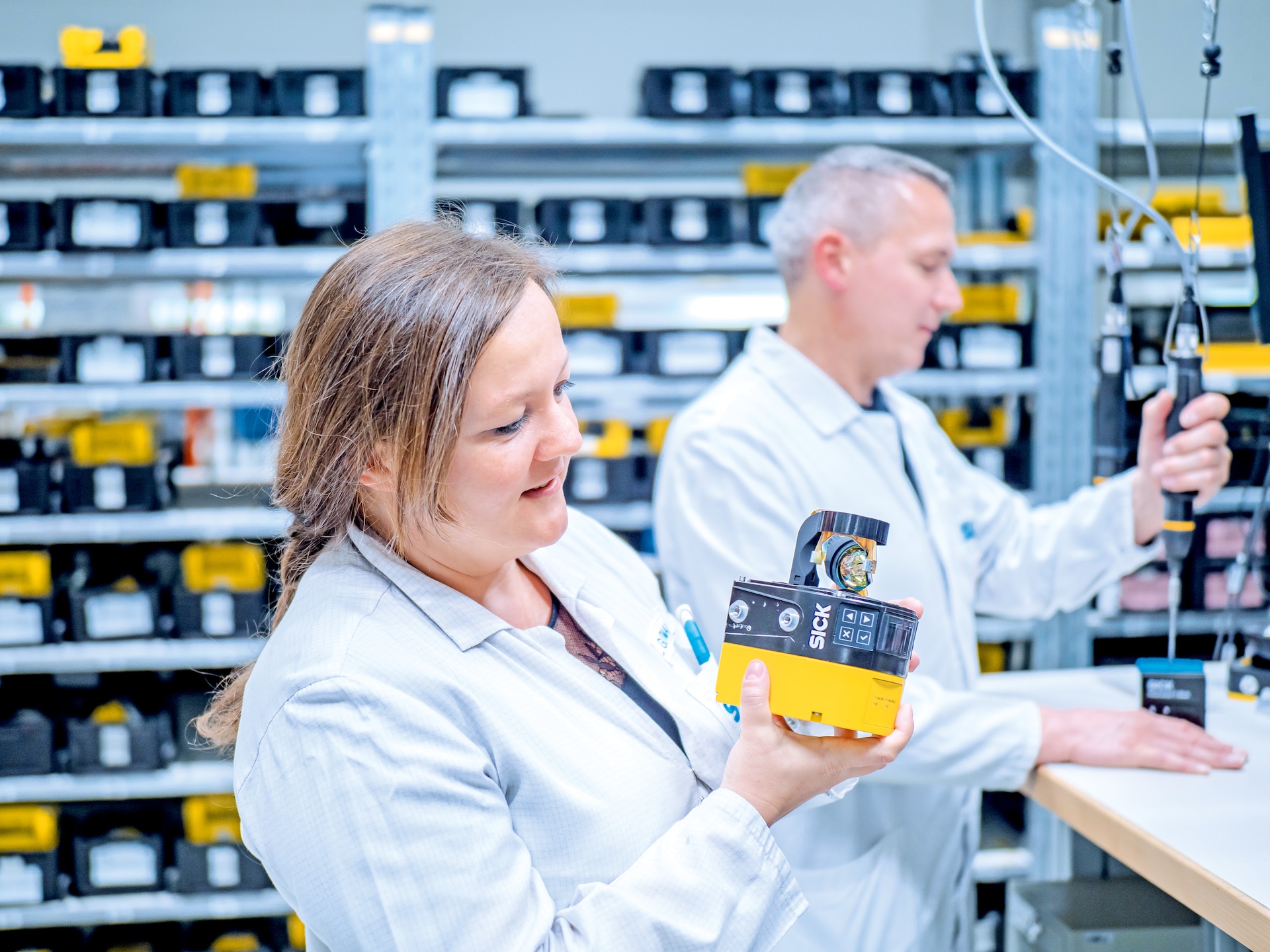
SICK AG MICROSCAN3-AND-NANOSCAN3-SAFETY-LASER-SCANNERS-–-HANDS-ON-–-BASICS
Training and education microScan3 and nanoScan3 safety laser scanners – Hands-on – Basics
Технические характеристики
| Features (Description) | This classroom training is the ideal complement to the “Safety laser scanner microScan3 and nanoScan3 - Basics” training, which takes place in the virtual classroom. After a brief review of the theoretical basics and a knowledge check, experienced trainers demonstrate the correct calculation of safety distances in a practical way. One focus is on specific applications. Participants configure the safety laser scanners independently with the help of the Safety Designer software. Further exercises: Simulation of device replacement and optics cover replacement. In addition, typical errors are analyzed and faults are eliminated in a targeted manner. |
|---|---|
| Features (At a glance) | Repetition of the theory Calculation of safety distances Independent configuration of the laser scanners Simulation of device replacement and changing the optics cover Analysis and elimination of typical faults |
| Features (Your benefits) | Deepening knowledge through concrete application examples; practical exercises on the devices Learning efficient methods for fault identification and troubleshooting reduces time and costs |
| Features (Objectives) | Safe configuration, operation and diagnostics as well as error analysis for safety laser scanners Detect, analyze and eliminate typical faults Participants know how to replace the optics cover and how to replace defective devices |
| Features (Attendance type) | Face-to-face |
| Features (Training format) | Classroom training |
| Features (Class size) | Maximum 8 trainees |
| Features (Duration) | 4.5 hours |
| Features (Level) | Basics |
| Features (Target audience) | Electronics engineer Maintenance Designers Measuring and control equipment Planners Service and maintenance staff |
| Features (Available languages) | German |
| Сертификация | SICK |
| Features (Prerequisites) | Basic technical knowledge |
| Features (Technical prerequisites) | PC or laptop with a current web browser and an Internet connection |
| Classifications (ECLASS 5.1.4) | 25250301 |
| Classifications (ECLASS 6.0) | 25250301 |
| Classifications (ECLASS 7.0) | 25250301 |
| Classifications (ECLASS 8.0) | 25250301 |
| Classifications (ECLASS 9.0) | 25250301 |
| Classifications (ECLASS 10.0) | 25250301 |
| Classifications (ECLASS 11.0) | 25250301 |
| Classifications (ECLASS 12.0) | 25250301 |
| Classifications (ECLASS 13.0) | 25250301 |
| Classifications (ECLASS 14.0) | 25250301 |
| Classifications (ECLASS 15.0) | 25250301 |
| Classifications (ETIM 6.0) | EC003015 |
| Classifications (ETIM 7.0) | EC003015 |
| Classifications (ETIM 8.0) | EC003015 |
| Classifications (ETIM 9.0) | EC003015 |
| Classifications (ETIM 10.0) | EC003015 |
| Classifications (UNSPSC 091201.0) | 86100000 |
| Classifications (UNSPSC 100501.0) | 86100000 |
| Classifications (UNSPSC 111201.0) | 86100000 |
| Classifications (UNSPSC 120901.0) | 86100000 |
| Classifications (UNSPSC 131201.0) | 86100000 |
| Classifications (UNSPSC 140801.0) | 86100000 |
| Classifications (UNSPSC 151101.0) | 86100000 |
| Classifications (UNSPSC 160901.0) | 86100000 |
| Classifications (UNSPSC 171001.0) | 86100000 |
| Classifications (UNSPSC 180801.0) | 86100000 |
| Classifications (UNSPSC 190501.0) | 86100000 |
| Classifications (UNSPSC 200601.0) | 86100000 |
| Classifications (UNSPSC 210901.0) | 86100000 |
| Classifications (UNSPSC 220601.0) | 86100000 |
| Classifications (UNSPSC 230701.0) | 86100000 |
| Classifications (UNSPSC 240301.0) | 86100000 |
| Classifications (UNSPSC 250901.0) | 86100000 |
| Classifications (UNSPSC 260801.0) | 86100000 |